How to Customize Your Mobile App Without Technical Skills
 WpAppBuilder
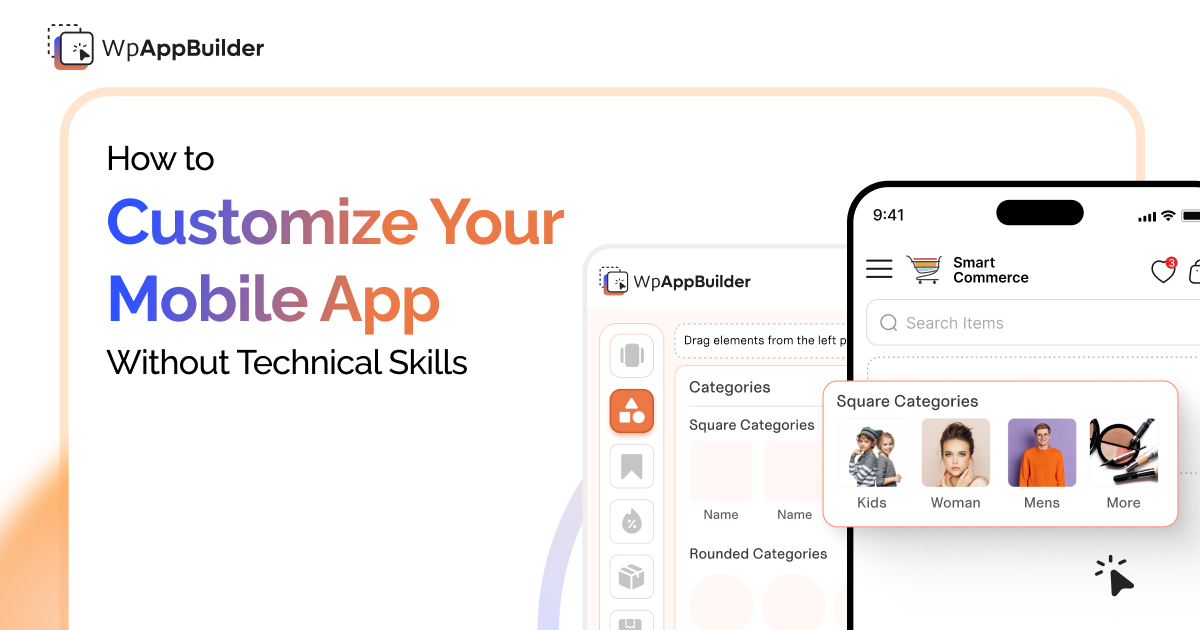
If you run a store, the idea of building your own mobile app sounds both exciting and tough. You want everything to look just right. But then the biggest factor comes: Coding.
You don’t need any tech skills to make your app look and feel like your brand. Tools like Mobile App Builder from WebPlanex let you build everything visually, one step at a time. No coding. Just your ideas and a bit of creativity.
Let’s get into how it works, why it’s worth the effort, and what other real store owners are doing to make their apps look sharp and professional.
1. Start with Your Brand — Not the Code
The first step is to think visually. Not technically.
Ask yourself:
- What colors represent your brand?
- What fonts feel like your store?
- What images show your products best?
All customization starts here. If your brand feels inconsistent (website looks one way, app looks another), customers feel a disconnect. Your goal is harmony, same look and feel across channels.
Good app builders let you apply:
- Custom color schemes
- Brand fonts
- Your logo in the navigation
- Custom icons
And you do all that through simple dropdowns and preview screens. No code editing required.
2. Use Templates That Already “Feel Right.”
If you’re not a designer, templates are your best friend.
Most app builders provide ready-made templates that are already well laid out. Think of them as pre-designed pages that you can customise instead of making one yourself.
Templates usually include:
- Home page layout
- Product listing & product detail pages
- Cart and checkout designs
- Profile or account screens
Your job is just to replace placeholder text and images with your own. It’s like swapping photos in a photo album, only it builds an entire mobile experience.
3. Customize Visual Styles Without Touching Code
Now comes the fun part: making the app feel you.
With WPAppBuilder, you can:
- Pick a primary color (this shows up on buttons, headers, and highlights)
- Pick a secondary color for accents
- Upload your logo and see it in the app’s header
- Choose typography settings
- Add banners and promotional graphics
All of this happens in a visual editor similar to adjusting a theme in your store admin.
No code files. No developer console. Just point-and-click.
4. Rearranging Screens Is Easier Than You Think
One of the big fears people have with app customization is layout — “What if my menu moves, or my product grid looks weird?”
The good news: most modern app builders allow drag-and-drop layout editing.
You can:
- Rearrange sections on the home screen
- Add or remove blocks
- Choose whether featured products show first
- Control how categories display
5. Add Non-Technical Enhancements Easily
Beyond colors and layout, there are small touches that make an app feel more polished:
- Custom Opening Screens — A welcome image or offer as the app loads
- Footer Customization — Add your contact info or social links
- Product Badges — “New”, “Bestseller”, “Limited stock”
- Push Message Setup — Without writing push notification code
Each of these features usually comes with simple toggles or form fields, not code panels.
6. Preview Every Change Before You Go Live
One of the biggest mistakes is publishing things too soon.
A good app builder provides a preview mode that shows:
- How the app looks on phones of different sizes
- How menus behave
- How product pages scroll
This preview option is your best friend. It lets you test changes live without affecting customers.
7. Don’t Hesitate to Get Help With Graphics
Customization doesn’t have to mean doing every asset yourself.
If you struggle with banner images or promotional graphics, try:
- A simple freelancer for one-off graphics
- Easy design tools like Canva
- Templates you can tweak visually
You don’t need a design degree to make your app visuals look good, just a sense of brand consistency.
8. Stick with What Actually Moves the Needle
Customization doesn’t mean adding everything. It means adding what actually matters.
Ask yourself:
- Does this change help customers shop more easily?
- Does it make the brand clearer?
- Does it feel effortless during checkout?
If the answer is no, don’t do it. Too many features can ruin the experience.
9. Update Often — But Thoughtfully
Your app shouldn’t feel like a “set it and forget it” project.
As your store evolves, so should your app:
- Seasonal visuals
- Special campaign banners
- Featured collections
- Updated push notification templates
Customize on purpose, don’t change just for the sake of it.
10. Test With Real People
Finally, before you announce your app to the world, get feedback from real users, friends, loyal customers, even team members not involved in setup.
They’ll notice things you overlook:
- Navigation that feels awkward
- Buttons that are hard to tap
- Fonts that are too small
Wrap-Up
Customizing your mobile app without technical skills is just using the right tools and a bit of patience.
You don’t need to:
- Learn code
- Install complex plugins
- Hire a developer for every tiny adjustment
You do need to:
- Think like a customer
- Stay consistent with your brand
- Test carefully before publishing
With tools like Mobile App Builder for Shopify, you can make your app feel professional, polished, and unique, all without ever opening a coding editor.
Related blogs