How to Build a Native iOS & Android App for Your Shopify Store in Minutes
 WpAppBuilder
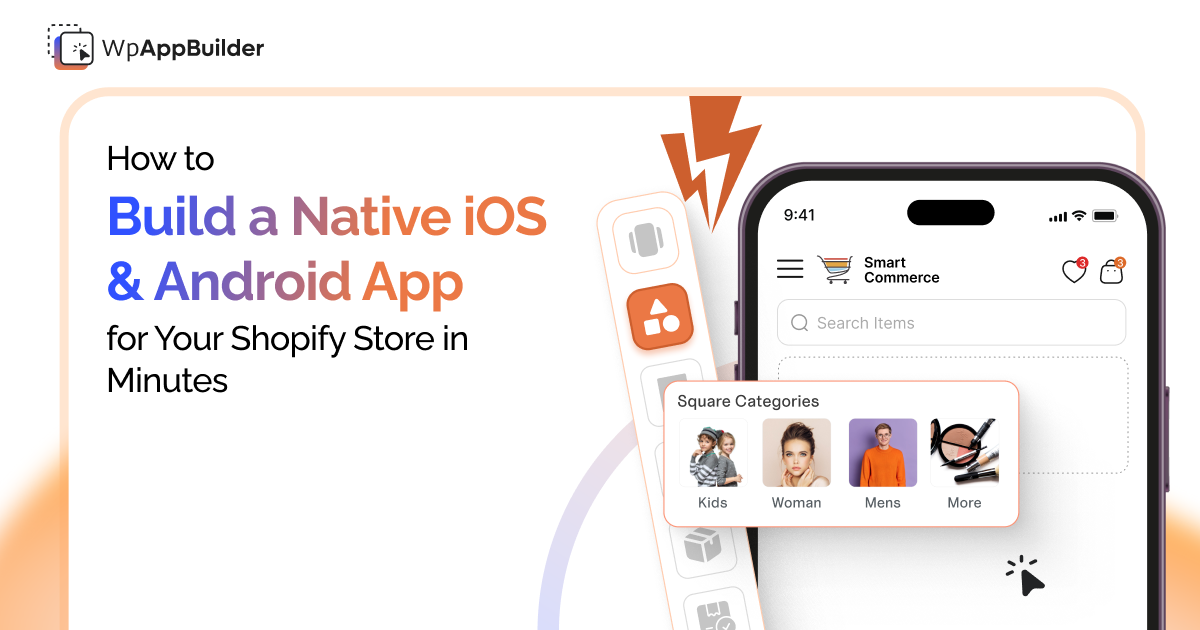
There's a version of this conversation that starts with the case for mobile apps, conversion rates, session times, and push notification open rates. We'll get to some of that. But let's start with the truth: most Shopify merchants already know they should have an app. The reason they don't have one isn't laziness. It's the assumption that building one requires things they don't have.
A development team. A significant budget. Months of work. A $40,000 custom build that still needs ongoing maintenance.
That assumption used to be correct. It isn't anymore, at least not if you're on Shopify. Mobile App Builder exists precisely because the technical gap between 'I want a mobile app' and 'my store is live on the App Store and Google Play' can now be closed by the store owner themselves, in the span of an afternoon, without writing a single line of code.
This post walks through how that actually works, the real steps, what you configure along the way, and what the finished product looks like for your customers.
Mobile apps convert at 2.3x the rate of mobile websites. Not because apps are magic — but because they're faster, more focused, and don't compete with every other browser tab your customer has open.
Why a Dedicated App, Not Just a Better Mobile Website
This question comes up often enough that it's worth addressing directly. A well-optimized mobile website is valuable. If yours loads in under two seconds and checks out cleanly on a phone screen, you're already ahead of a lot of your competition. So why add an app on top of that? Someone who downloaded your app has already made a small commitment; they gave up home screen space for you. That changes their behavior. Open rates on push notifications sent through an app hover between 30–40% for well-timed messages. Email open rates for the same audience are typically under 20%. That gap is not small.
There's also the friction argument. Returning mobile website customers have to hunt down the site, wait for it to load, log in, and then figure out where to go. Someone with your app just taps an icon and boom, they’re in your store, logged in, and ready. That’s way smoother and keeps them coming back. You've removed three or four friction points before they've done anything. That's where the conversion rate difference comes from.
And then there's cart abandonment. Push notifications that fire when someone leaves items in their cart, timed 30 minutes after they left, then 24 hours later if they haven't returned, are genuinely one of the better recovery tools available to ecommerce brands. You can't do that from a website. You need the app.
Download the app here: Mobile App Builder ‑ WebPlanex
The Actual Build Process
Mobile App Builder's process is broken into three stages, and the naming is accurate. This genuinely can be done in a single session if you know your store and have your branding assets ready.
Step 1 Install the App from the Shopify App Store
Start by installing Mobile App Builder from the Shopify App Store. After you connect the app to your Shopify store, it takes care of the rest. Products, collections, prices, inventory, customer accounts, they all update instantly. No need to mess around with manual uploads or rebuild your database. It just works. Your store runs the show, and the app keeps up in real time.
Step 2 Build Your App with the Drag-and-Drop Editor
This is your main workspace, where you’ll probably clock the most hours, and where Mobile App Builder really proves itself. The drag-and-drop editor gives you full control: tweak the home screen, change up the menus, adjust banners, play with the product grid, switch colors and fonts, even customize the splash screen. There are over a dozen widgets and loads of blocks, so setting up a classic ecommerce look isn’t a problem.
Step 3 Launch to the App Store and Google Play
This step does require you to have a developer account on each platform (Apple charges $99/year; Google charges a one-time $25 fee). In case you don’t know how to publish your Shopify App on Google store, the Webplanex team also provides support during this step for merchants who want help navigating it.
What Your App Actually Has When It's Live
Push Notifications — and Why They're Worth Getting Right
When merchants launch their apps, push notifications get everyone pumped. But after that, most barely use them. Getting push right isn’t about sending more, it’s about sending the right thing at the right time.
Mobile App Builder supports text notifications, image notifications, GIF support, emoji, and scheduled sends. If you’re on the Medium plan or higher, you get abandoned cart notifications. These are the big moves for making money, so seriously, make them a priority. Break out your recipient lists, set things up in advance, and let automation handle the rest, welcoming new users, announcing a special sale, the busywork practically does itself. The trap is blasting out too many messages. If someone gets push notifications every other day, they’re just going to shut them off or ditch the app. Keep it to one or two super-relevant, well-timed messages weekly, those actually bring people back. That's the discipline that makes push notifications valuable over time.
Instant Store Sync — No Manual Updates Required
Whenever you add a new product, change pricing, or mess with your inventory in Shopify, the app takes care of it right away.
This is actually one of the more significant operational arguments for building on a tool like Mobile App Builder rather than custom-building a native app. A custom app requires its own content pipeline. If your developer built it independently of Shopify's API, you may be managing product data in two places. That's a support burden that compounds quickly as your catalog grows.
Fast Checkout — Frictionless from Cart to Confirmation
The checkout flow is one of the places where apps reliably outperform mobile websites, and Mobile App Builder leans into this. One-click checkout for returning customers, saved payment methods, and a streamlined cart-to-confirmation flow that reduces the number of steps between 'add to cart' and 'order placed.' There are no transaction fees charged by Mobile App Builder on any plan, which is worth noting, some app builders take a cut of revenue generated through the app.
Multi-Currency and Multi-Language
Available on the Advanced plan, these two features extend your reach beyond your home market in a meaningful way. 82 currency options, real-time conversion, and a language translation system that lets shoppers navigate in their preferred language are the features that make an app genuinely international rather than just accessible from anywhere.
Integrations That Actually Matter
Mobile App Builder connects with a solid selection of third-party tools: Judge.me and Yotpo for product reviews, Klaviyo for email and SMS marketing, ReCharge for subscription products, Firebase Analytics for in-app behavior tracking, Instagram for feed integration, and more. The integrations are pre-built, you connect your existing accounts, you don't build anything new. One worth calling out specifically: if you use Webplanex's own Rewards Wallet app for loyalty and cashback, it integrates cleanly with Mobile App Builder. Customers can see their Store Cash balance and earn rewards directly through the app, which is a meaningful retention mechanic when your app and your loyalty program are reinforcing each other.
Pricing: What Each Plan Actually Gets You
There are three tiers, and the step-up between them is logical rather than arbitrary.
- Starter - $49/month. One platform (iOS or Android, not both), home page builder, instant sync, wishlist, sort and filter, and basic analytics. Right for stores that want to test the channel before committing to both platforms.
- Medium - $89/month. Both platforms are included. Adds deep linking, abandoned cart notifications, support buttons (WhatsApp, email, Messenger), and advanced analytics. This is where the retention tools start coming together meaningfully.
- Advanced - $149/month. Everything in Medium, plus multi-language, multi-currency, store locator, review integrations, and unlimited app updates per month. For stores serving international audiences or running high update volumes, this tier pays for itself.
Who Gets the Most From This
Any Shopify store can build an app with Mobile App Builder. The ones that tend to see the sharpest return are the ones with something specific to leverage.
Repeat-purchase businesses, subscription boxes, consumables, fashion brands with seasonal drops, and beauty brands with loyal buyers benefit most from the push notification and abandoned cart mechanics. Your retention rate is already good; the app makes it measurably better.
Stores with a strong brand identity have more to gain from the app experience than a generic-looking store does. Think about it: when a customer taps your ad and lands right inside your app, already on the product they want, they’re way more likely to actually buy something. Nobody wants to get dumped onto a generic landing page and hunt around. Getting people straight to the product? It seriously boosts conversion rates. That shift makes a real difference in your cost-per-acquisition, and, honestly, that’s what you’re after.
The stores that probably shouldn't prioritize an app yet: stores that are still early in finding product-market fit, stores where the average order is a one-time purchase with no natural repeat mechanic, and stores where the mobile website experience hasn't been sorted out yet. Fix the website first. Then build the app.
Mobile App Builder is available on the Shopify App Store. 30-day free trial, no credit card. Starter from $49/month. Visit WebPlanex Support to see a live demo.
Related blogs